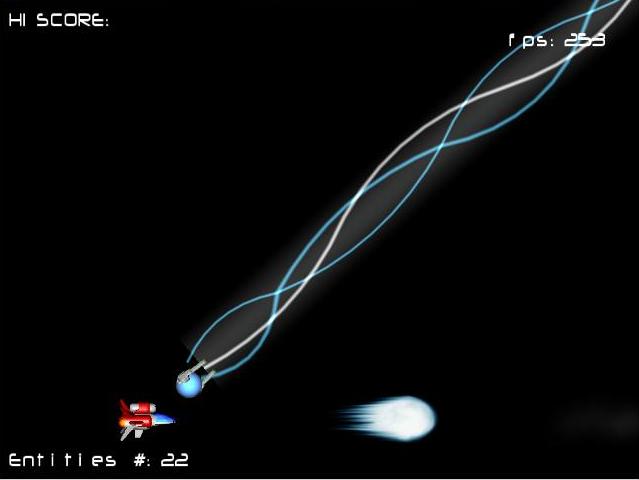
Shoot 'Em Up with LWJGL
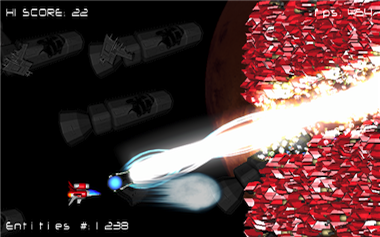 I started to think about writing a Shoot 'Em Up back in 2005, after the winner of the
"Horizontal Shooter with Boss" competition was kind enough to release his source code. This "Carmack" moves triggered the challenge ;
Being a server-side programmer for a while, I had no freaking idea how do program something which was....moving. It was the perfect
occasion to learn: Thanks Mr "X-Out".
I started to think about writing a Shoot 'Em Up back in 2005, after the winner of the
"Horizontal Shooter with Boss" competition was kind enough to release his source code. This "Carmack" moves triggered the challenge ;
Being a server-side programmer for a while, I had no freaking idea how do program something which was....moving. It was the perfect
occasion to learn: Thanks Mr "X-Out".
My objectives were:
- Learn the basics of a game engine.
- Learn a bit of OpenGL.
It is usually wiser to jump into a new domain without adding the difficulty of learning a new language So I decided to use my favorite
at this time: JAVA. For the rendition, I had two OpenGL binding available JOGL and LWJGL.
Why did I decide to go with LWJGL ? Because at this time it featured a lot more than openGL calls, there was everything I needed including:
Inputs controls, Textures loading, Sounds, Timer, etc. LWJGL was clearly more game oriented.
One more thing.....
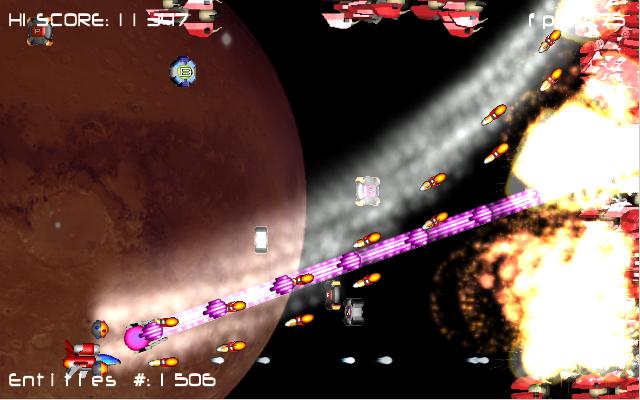
This is not a game and I never intended to program one, this is more like a proof of concept/challenge I felt like coding, a little bit to
learn, a little bit to check how much juice could come out of JAVA+OpenGL. I took me a month of spare time and this is the result. I don't
have the pretension to think this is good but I've learned so much reading people's webpage that I thought I should modestly return to the
net a little bit of what it gave me.
April 5th, 2010 : It seems there is an issue with the last JRE 1.6 on windows platforms. ImageIO.read
is loading PNGs as AGBR instead of RGBA. I am not sure if it's a JVM bug or if the PNG are not compliant and I lack time to investigate :/,
if anyone have some time to investigate, feel free to email me !
Nov 20th, 2010 : Looks like "JAVA Prototyp" engine is used for Thunder Force IV Rebirth (video).
Keep up the good work guys ;) !
Feb 2th, 2011 : The win32 JRE 1.6 "color" bug is no more. Thanks to sonicWonder for sending me a fix (The texture
loaded now detected the format returned by ImageIO.read and swap if necessary BufferedImage.TYPE_4BYTE_ABGR or
BufferedImage.TYPE_3BYTE_BGR). Swapping is done with XOR instead of using a third variable.
Run it, source code and video
-
Run it via JNPL.
- Browse the source code.
-
Download the source code :
git clone https://github.com/fabiensanglard/Prototyp.git
-
Watch the game engine in action :
World representation
The elementary unit of this Proof of Concept is the Entity object. Basically a sprite which has a position, a speed, a spin and is capable of updaing itself
update()and also render itselfrender().
By default an Entity can only display one image but is subtyped to AnimatedEntity to perform animation (Note: I used an array of Texture to store all frame in an animation, I read later in GPU Gems Programming that you can use a 3D texture, this is much more clever).
In order to handle group of Entities easily (and also to improve collision detection but we'll talk about it later) I decided to go for the most intuitive design: A Layer pattern.
Prototyp has seven layer:
    static public Layer background = new Layer();
    static public Layer bullets = new Layer();
    static public Layer enemies = new Layer();
    static public Layer bonus = new Layer();
    static public Layer fx = new Layer();
    static public Layer frontground = new Layer();
    static public Layer text = new Layer();
The layer approach is very handy for several reasons:
- It is perfect to implement a "back to front" or "front to back" renderer. In our case we want to go with the Painter algorithm.
- It makes collision detection fast (ex: Enemies bullets again your ship only)
- You can update or render a entire set of Entities with only calling
update()orrender()on this Layer.
Every visible Entity belong to a Layer. As a layer is capable of rendering itself on the screen or to update itself, it is considered a high level Entity and you can start thinking "big".
Note that although it was very convenient to perform distortion and fading effect, I would not use these static variables again but a LayerManager instead. It would make the entire thing much more "engine" like.
Move the world!

The main method of this Prototyp is trivial. It can summarized as the following:
- Make the engine's heart beat:
Timer.tick(). - Update the world's state according to the tick and user input.
- Render the world's state via openGL.
    public void run()
    {

        init();
        while (gameOn)
        {
            Timer.tick();

            getEntries();
            updateEntities();
            checkCollisons();

            render();
            Display.update();
            }
     }
As you can see, it's only one thread, and one loop. Very Zen, just as I like it.
More on the Timer
Timer is a new concept I came across exploring Game Programming. In order to make our software run consistently over machines with different speeds and different GPUs, you don't update an entity position on a "each frame" basis but rather on a "time elapsed since last rendition" basis. This technique allows the game to run at the same speed on every machine, the difference being only the frame rate and by extension the animation quality.
You have to express every speed in term of pixel/milliseconds (if your Timer return tick in millisecond unit). Updating your Entities state is called interpolation, it is based on your object's last position and it's speed.
So even though our Entity jumps from one position to an other, if the frame rate is high (>30) it will appear very smooth! If you check out the method of the abstract class Entity.update(), you will find interpolate():
    protected Vector2f interpolate(Vector2f old_position,Vector2f speed)
    {
        old_position.x = old_position.x + tick * speed.x;
        old_position.y = old_position.y + tick * speed.y;

        return old_position;
    }
It's not being too strong to say the Timer is the heart of your game, it's the metronome and it rules over time...and movement.
How to make a Pause in your game ? Just stop callingTimer.tick(), overwrite it (or even better, callTimer.pause();) ): Everything will stop moving. The later is actually the way it is implemented in "Prototyp".
Collision detection
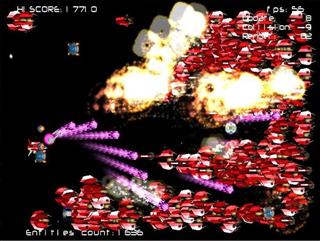
As we want to push this engine and animate 10000+ sprites, we need to perform collision detection fast. Again, something really simple is to use rectangles in order to represent the boundary area of an Entity.
- We don't need to be extremely accurate regarding detection collision: It's a shooter, everything is going very fast and except for the player's own ship, he won't really pay attention to a few inaccuracies.
- It detects non-collision very fast: In the best case, only one comparison is enough. And collisions don't happen so often. So we have a an algorithm which will run in optimal condition most of the time.
    public static boolean boxBoxOverlap(Entity entityA,Entity entityB)
    {

        if(entityA.position.x+entityA.width<entityB.position.x)
            return false;
        if(entityA.position.x>entityB.position.x+entityB.width)
            return false;
        if(entityA.position.y+entityA.height<entityB.position.y)
            return false;
        if(entityA.position.y>entityB.position.y+entityB.height)
            return false;
        return true;
    }
OpenGL's corner
There are very few things to do if you want to use openGL as a 2D Shoot 'Em Up sprite renderer . The best thing to do is to remove the perspective (the thing that makes object further appear smaller), and use an orthogonal projection.
Here is a snippet how do to so:
            GL11.glMatrixMode(GL11.GL_PROJECTION);
            GL11.glLoadIdentity();
            GLU.gluOrtho2D(-(int)screenWidth/2,(int)screenWidth/2,(int)-screenHeight/2,(int)screenHeight/2);
And that's it, you are set to draw your GL_QUADS (rectangle). As we have many objects to render and we do so in sequence there is two roads you can choose:- Use the
GL11.glLoadIdentity()before drawing each Entity. - Use the combination of
GL11.glPushMatrix()andGL11.glPopMatrix()respectively before and after drawing each Entity.
I used to prefer the "fire and forget"
GL11.glLoadIdentity()but it's very inefficient and if you want to go 3D eventually, it's better to make good habit right away:GL11.glPushMatrix()andGL11.glPopMatrix().
Lightning
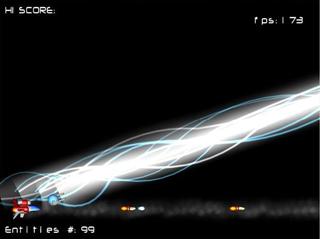
Although we normally draw texture using the blending function
GL11.glBlendFunc(GL11.GL_SRC_ALPHA,GL11.GL_ONE_MINUS_SRC_ALPHA), it's sometimes pretty cool to use an other type of composition.
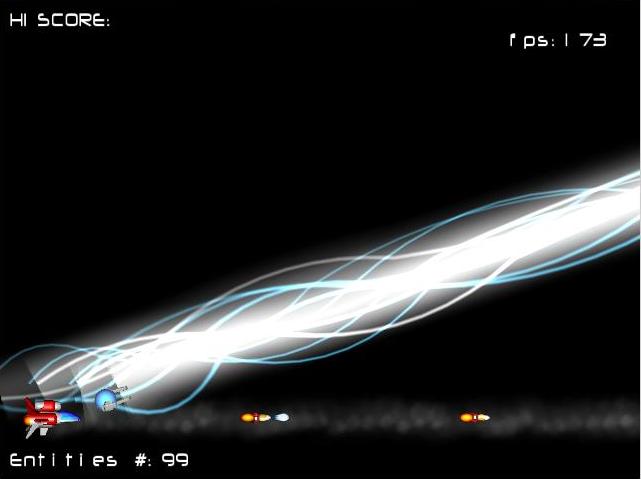
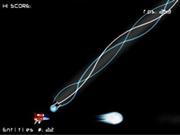
Especially for light effects, useGL11.glBlendFunc(GL11.GL_SRC_ALPHA, GL11.GL_ONE)will allow texture overlapping each other to look brighter, simulating light intensity very convincingly.The more you blend the texture in the same area, the brighter effect you will get.
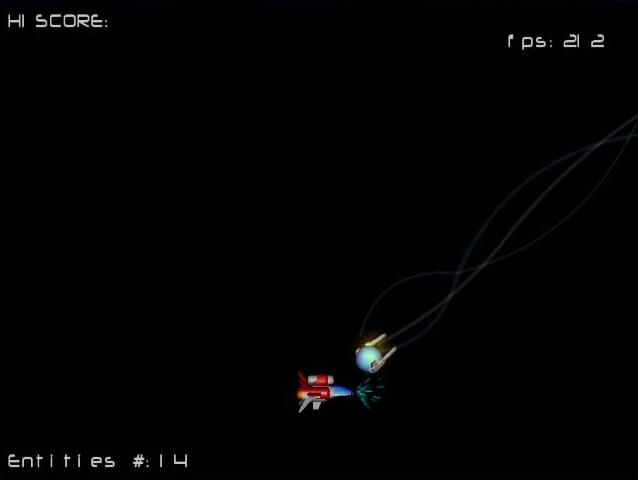
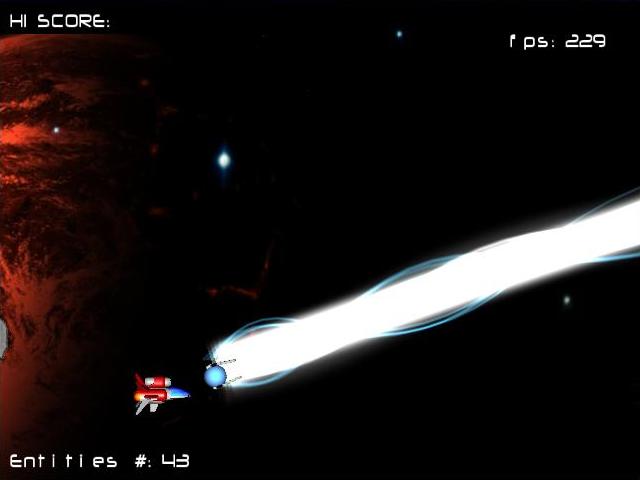
You can see on the right an example: An OrbBeam cast by the LightningOrb (The beam points are calculated using Bézier curve).Distortion effect
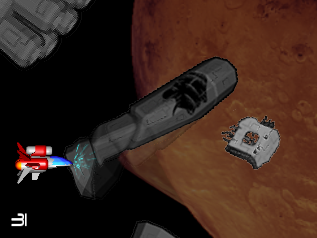
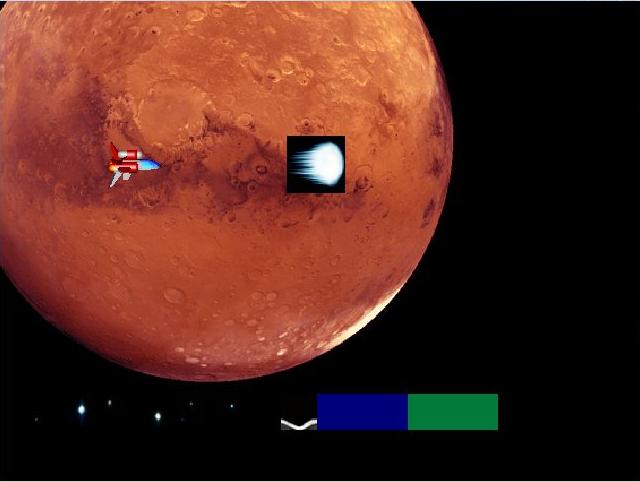
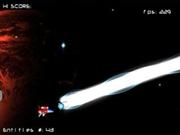
When you charge your orb or your main weapon, the background gets distorded:
This distortion effect is achieved in two steps:- Copying the entiere screen to a texture, this is done using the openGL method:
GL11.glCopyTexSubImage2D, see Example in Prototyp.saveScreen() - Blending a part of the saved screen (using it like a texture) against the current screen ; Using 4 GL_QUADS and stretching a bit here and compressing there
User inputs
LWJGL includes a method to check if a key is pressed or not:
Keyboard.isKeyDown(key). It was not hard to write a little KeyListener in order to trigger events such asonKeyDown(),onKeyUp()orkeyPressed().
KeyListener is then when used as an Anonymous Class. Here is an example from PlayerShip the class controlling the player:
    KeyListener fire2KeyEvent = new KeyListener()
    {
        public  void  keyPressed()
        {
            if (orb != null)
                 orb.setMove(Orb.ADJUDTING);
        };

        public  void  onKeyUp()
        {
            if (orb != null)
                orb.setMove(Orb.STICKED);
        };
    };

    EventManager.instance().addListener(fire2Key, fire2KeyEvent);
An to finish we make sure events are pooled from the EventManager singleton with the method:
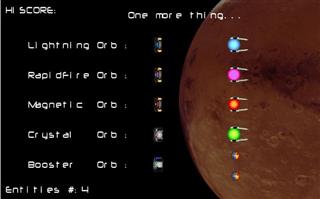
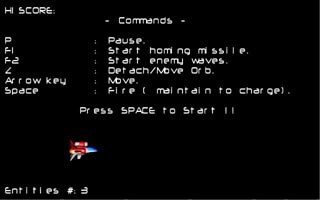
EventManager.instance().checkEvents().Manual
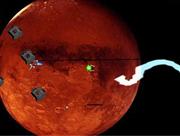
Funny Bugs
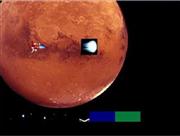
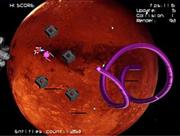
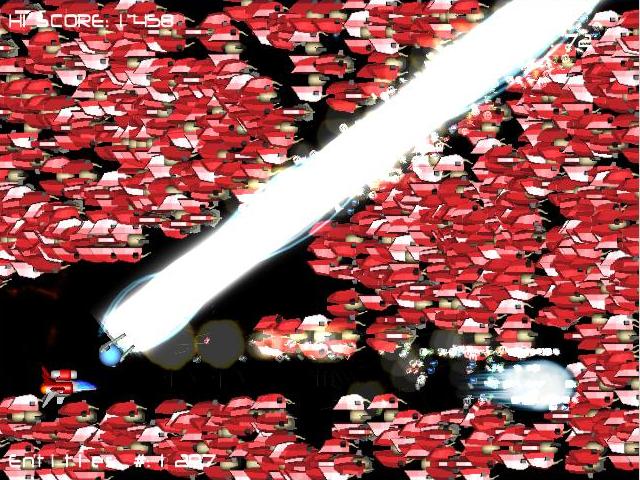
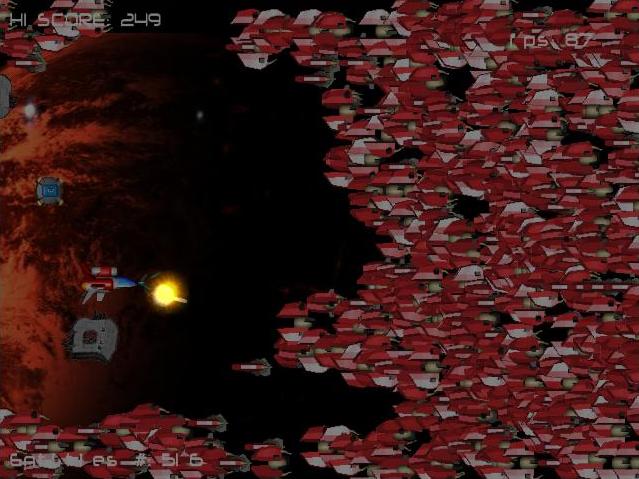
Other sreenshots


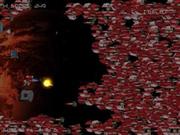
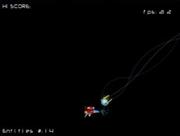
Original c++ Prototyp
Here is the original c++ source code from X-Out: GitHub link. I unrotted the source code in 2013.
@